Set your starting point
Choose your tax home during setup, add your residence start date, and set the home-day target you want to work toward.
 Residency.Casa
Launch status
Residency.Casa
Launch status
For life in more than one place
See how future trips fit your home-day target. Review where you’ve been. Keep the documents that support your history.
For Puerto Rico residents, Act 60 recipients, and travelers keeping track of time across jurisdictions.
32Available before this trip
−10Planned away days
22Remaining after this trip
01 / Make room for the next trip
Start with your home jurisdiction and personal day target. Then explore your dates before adding a trip to your plan.
Choose your tax home during setup, add your residence start date, and set the home-day target you want to work toward.
Enter a destination and dates. Compare your remaining travel days before and after the proposed trip, then save it when you’re ready.
Review missing history, adjust saved plans, and check travel-day assumptions. Planned trips stay separate from recorded presence.
02 / A place for the whole picture
Five clear sections: Overview, Plan, History, Documents and Account. These are actual screens from the current Android app.
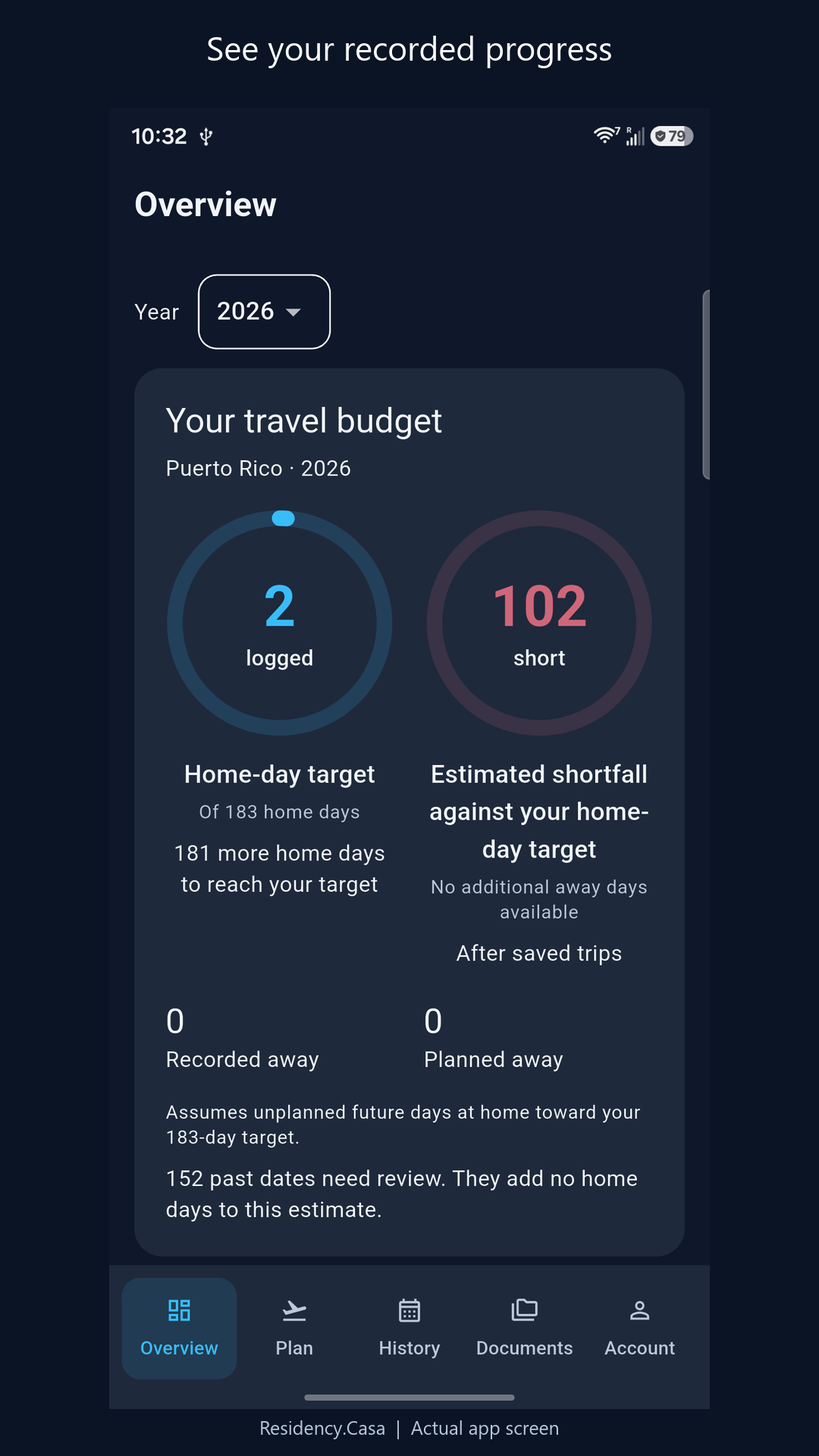
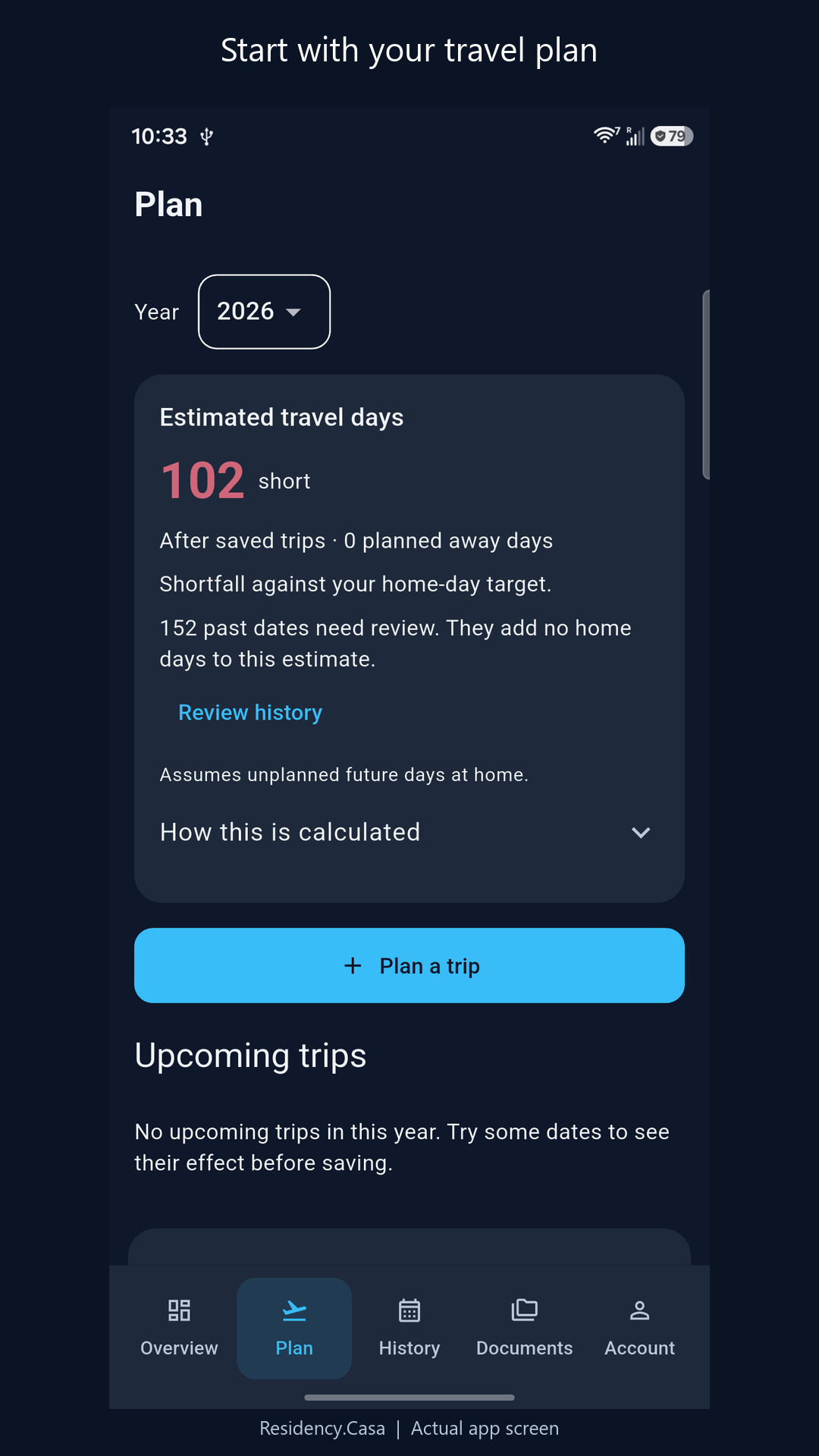
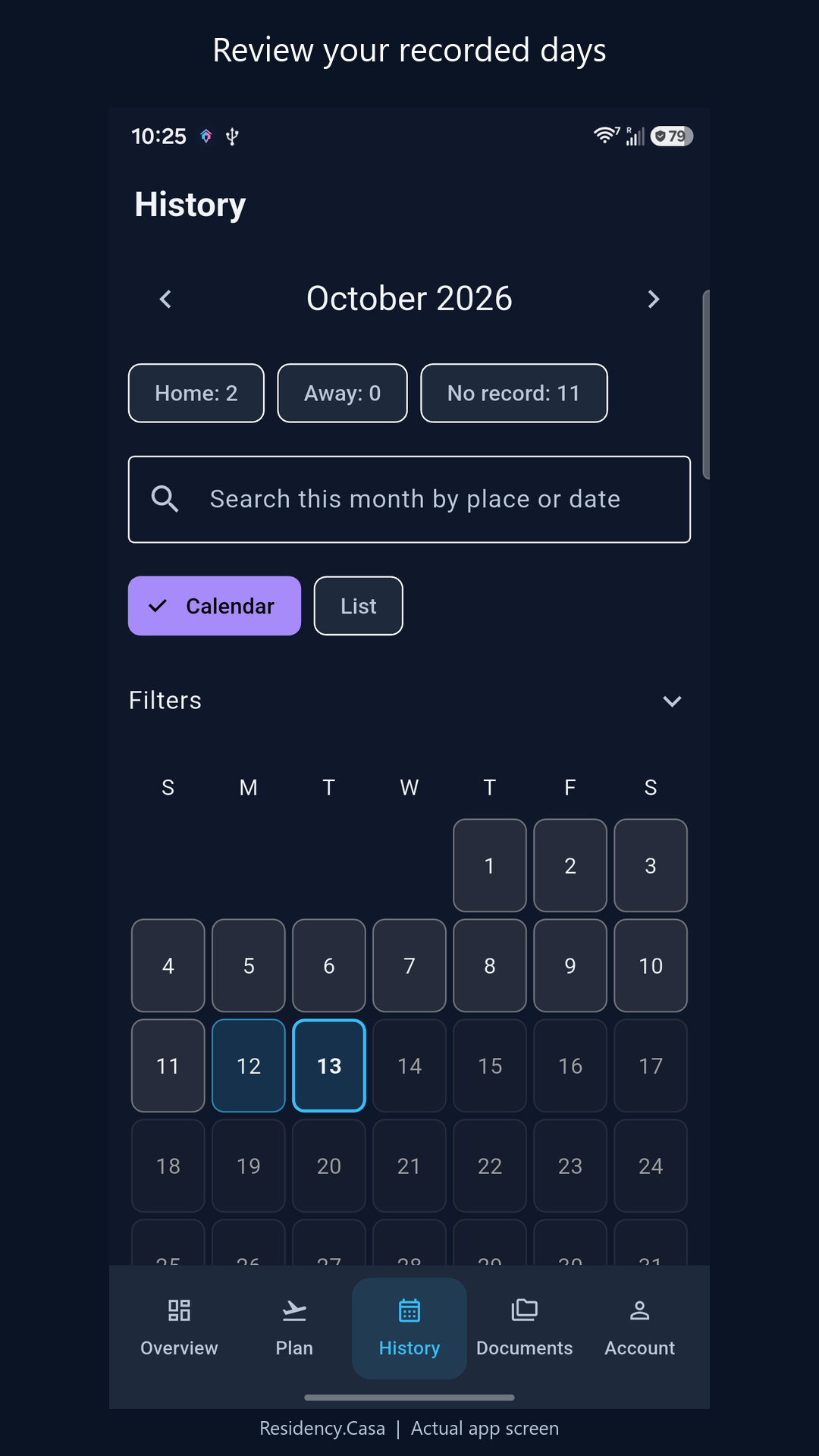
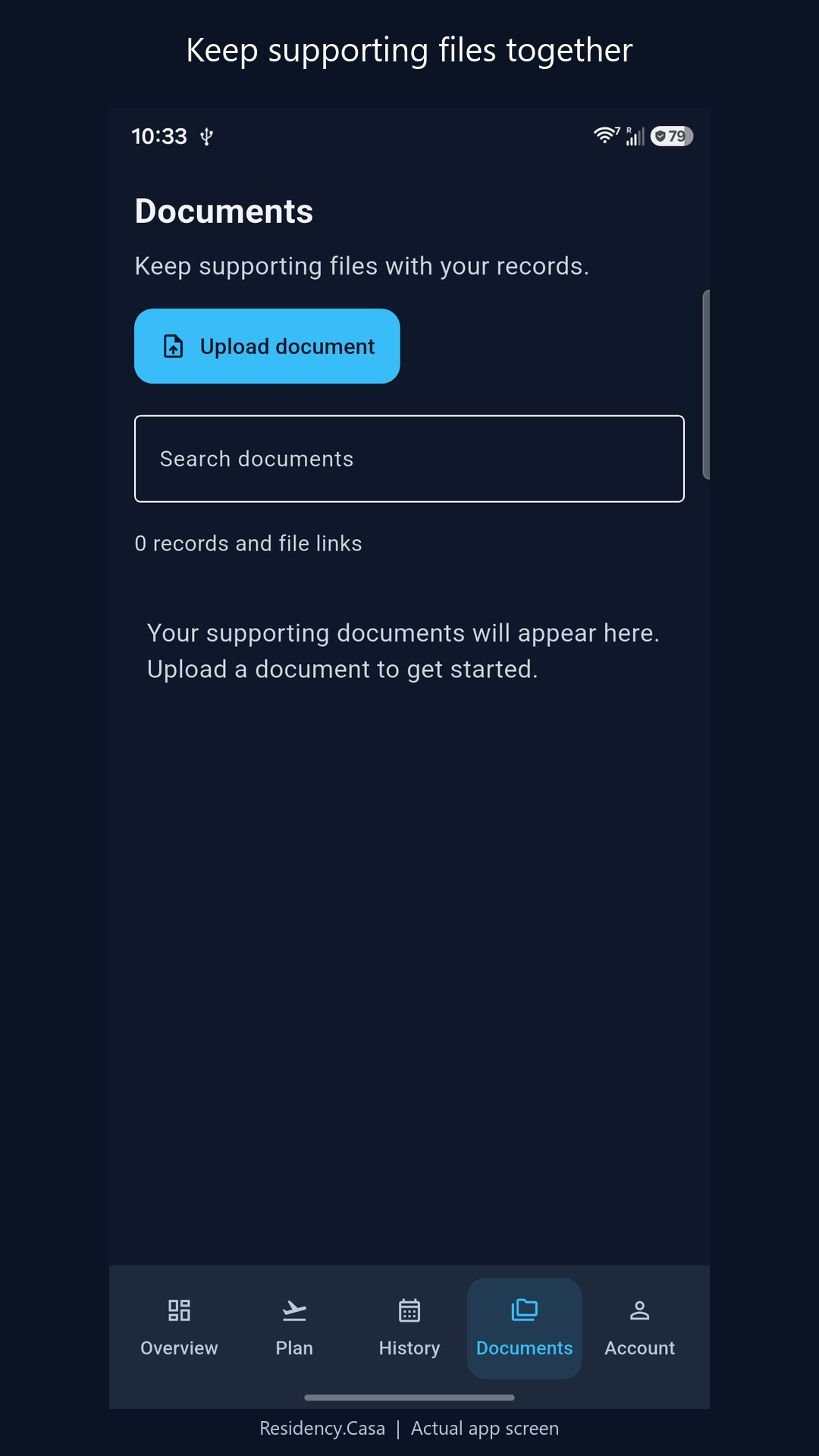
Screens show an account with limited history. Shortfalls and empty states are displayed as recorded; your own account will reflect your data.
Optional background location observations help build your history. Availability and accuracy depend on your device, permissions and reception.
Optional document encryption applies to eligible new uploads after setup. Keep your recovery phrase; earlier records aren’t automatically encrypted.
Use day-count reminders alongside your own review of recorded days and travel plans.
03 / Simple individual plans
Start with a 31-day trial from signup. It doesn’t automatically enroll you in a subscription or charge you.
Monthly
US $7.99 / month
For taking it one month at a time.
Android launch statusAnnual
Save about 37%US $59.99 / year
One yearly payment for the same features.
Android launch statusCompared with 12 months at US $7.99/month.
US prices shown; regional prices and final terms appear in the app and Google Play before purchase. Monthly and annual subscriptions automatically renew for the selected period until canceled. Manage or cancel in Google Play.
After the trial, new tracking and uploads require a subscription unless another valid access grant applies. Viewing and exporting saved evidence remains available without a subscription, subject to account and document-access checks. App updates don’t restart the trial. New purchases aren’t available on this website. Read the full terms.
A few useful details
Residency.Casa helps Puerto Rico residents and Act 60 recipients organize travel days and supporting records. It also supports people tracking time across other jurisdictions, with a chosen home and personal day target. It does not determine residency, tax liability or incentive eligibility. Review your circumstances with a qualified advisor.
No. Future trips are plans, not proof of presence. Saving, editing or removing a plan changes your projection without rewriting recorded days. Review actual travel and supporting records separately.
When Puerto Rico is your home jurisdiction, the trip editor lets you specify whether you expect to spend part of each departure and return date there. These assumptions affect the planning estimate; they do not create a recorded observation or determine the legal treatment of a day.
No. It helps organize observations, manual entries and supporting documents for review. GPS readings can be missing or inaccurate, and a device reading does not independently prove who carried the device. Keep original documents and consult a qualified professional about evidence requirements.
Manage or cancel paid renewals through Google Play. Deleting your account or uninstalling the app does not cancel billing. To request removal of your account or specific records, follow our deletion instructions. Cancellation is not required before requesting deletion.
Open the browser app to plan trips, review history and organize supporting documents. Automatic background location recording uses the mobile app, and new purchases are unavailable on the website. See launch status for Android and iPhone availability.
The next stop
Start planning and reviewing your records in the browser. Android is submitted for Google Play review. Public download links will appear here when available. iPhone is in preparation.